

PreForm Insider: Read the New Multiple-Build Layout Scope
2026-11-03
PreForm Insider: Read the New Multiple-Build Layout Scope
A project containing more models than one build can hold presents an organizational question before it presents a printing result: where did each model go? The October PreForm Insider update makes that question timely for additive manufacturing teams. Its multiple-build layout feature concerns how software distributes a project. A reader still needs separate information about the builds eventually prepared, scheduled and produced. This article examines that distinction using the publisher's release record, without running the software or manufacturing a part.
Locate the October feature in its release channel
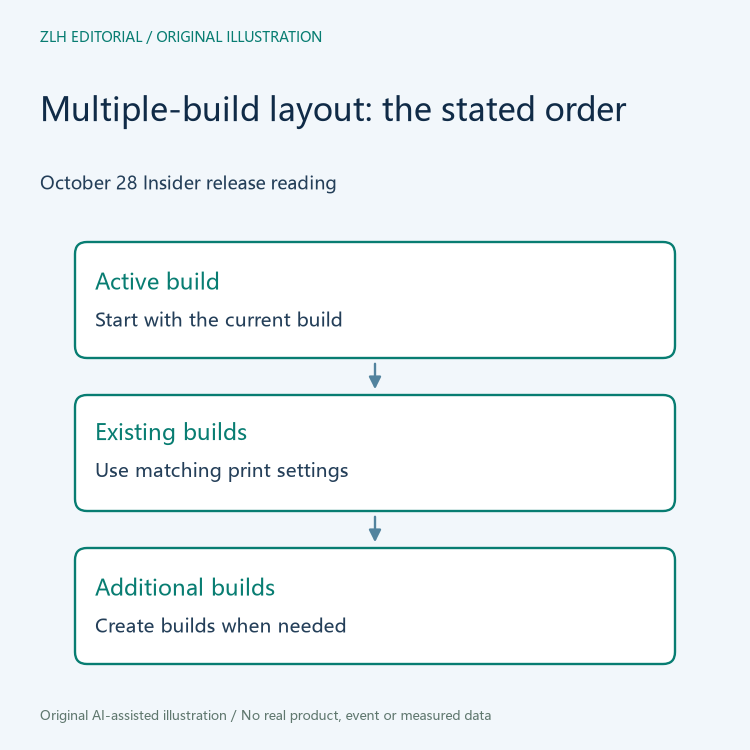
The official Insider notes identify PreForm 3.65.0 build 1096, dated October 28, 2026. They describe an option for Layout All and Pack All to distribute overflow across builds. The stated order starts with the active build, then uses existing builds with the same print setting, and creates additional builds when needed. These are software allocation rules described by the vendor, rather than a report of parts printed by this publication.
The channel matters. The same page describes Insider as early access, while public PreForm release notes are maintained separately. A team discussing this news should keep the build identifier and channel together. Merely reading a larger version number is not enough to establish which distribution a colleague installed. This distinction also prevents a preview feature from silently becoming an assumed requirement in an existing work instruction.
Allocation creates a new question about build identity
Consider a hypothetical design review in which an engineer opens a project and notices additional builds. The useful first question is which intended objects belong to each build. A short visual overview may help orient the team, but an overview should point back to the actual project. Otherwise a later edit could leave an attractive slide describing an arrangement that no longer exists. This is an editorial example, not a customer case or an observed software session.
Give the discussion a stable vocabulary for the project and its builds. The team can decide how to identify the saved project edition and how to refer to each constituent build in its own records. Those decisions should be explained by whoever owns the workflow. This article does not claim the software generates a particular identifier or exports a particular report. It recommends asking for a correspondence that another reviewer can follow.
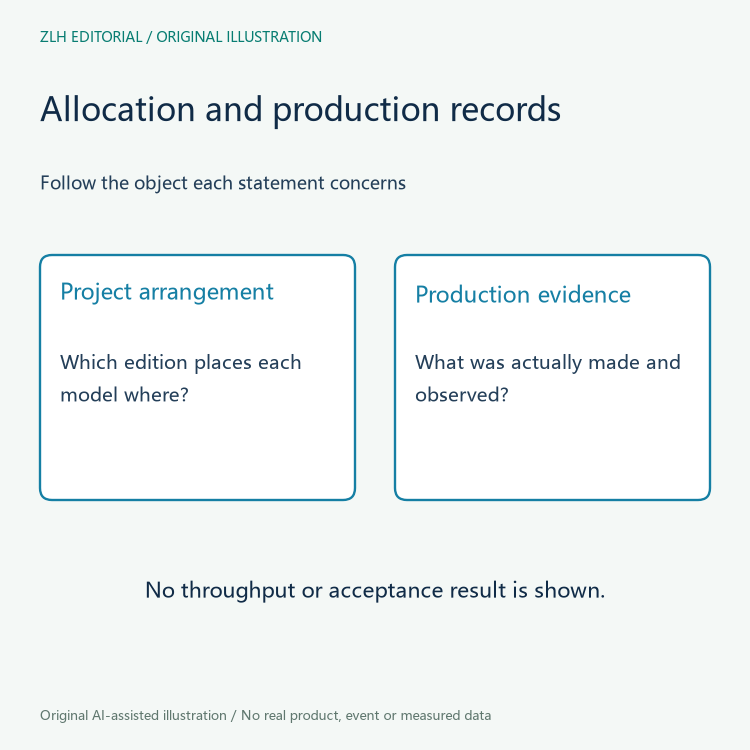
The distinction becomes especially useful when someone reports that every object has been placed. That statement should identify the project edition and the set of builds examined. It says something about the arrangement being reviewed. It does not, by itself, establish that those objects have been printed, removed, inspected or accepted. Each later activity has its own object and observation.
Keep a changed arrangement understandable to collaborators
A collaborator may receive a revised project after discussing an earlier arrangement. Ask the author to identify what changed and which explanations still apply. This can be as simple as a clear written comparison tied to the two saved editions. It should not require the recipient to infer the change solely from the number of visible builds. A similar total can conceal a different distribution of models.
Review comments should also be attached to their intended object. A comment about one model's preparation should not become a comment about every build merely because the models share a project. Conversely, a project-wide note should state that scope. Clear references make the discussion easier to maintain when models move between builds or the author prepares another edition for review.
Do not translate a layout feature into a production statistic
The release item does not supply a measured result for this team's equipment, materials or workload. Readers should resist converting a convenient allocation feature into an invented reduction in labor, machine time or rejected parts. If an organization later evaluates its own process, it should define the comparison, preserve the inputs and record the observations. That would be a new evidence set, separate from the upstream announcement.
A planning discussion can still be useful before such an evaluation. The organization can ask who approves each prepared build, how changes reach the next reviewer and which record accompanies the eventual job. These are questions for the local process owner. They do not require the editor to invent an integration architecture or imply that several machines were connected during research for this article.
Carry a bounded conclusion into the next meeting
The news establishes a dated preview feature worth examining: allocation across builds. The practical follow-up is to make each allocation understandable in the team's own project records, then leave production outcomes to actual evidence. An editor can explain that relationship without recommending an installation or claiming that a preview workflow has been qualified for a particular manufacturing task.
Both accompanying drawings are original conceptual illustrations of project review, not application screenshots or measured production charts. Our additive workflow collection covers other preparation questions, and the article directory provides the wider reading index. Keep the specific October release beside any internal discussion so that later readers can distinguish the vendor's documented feature from the organization's subsequent decisions.


